
Session
AI-Enhanced Presets for Stunning Engagement Photos.

Weddings
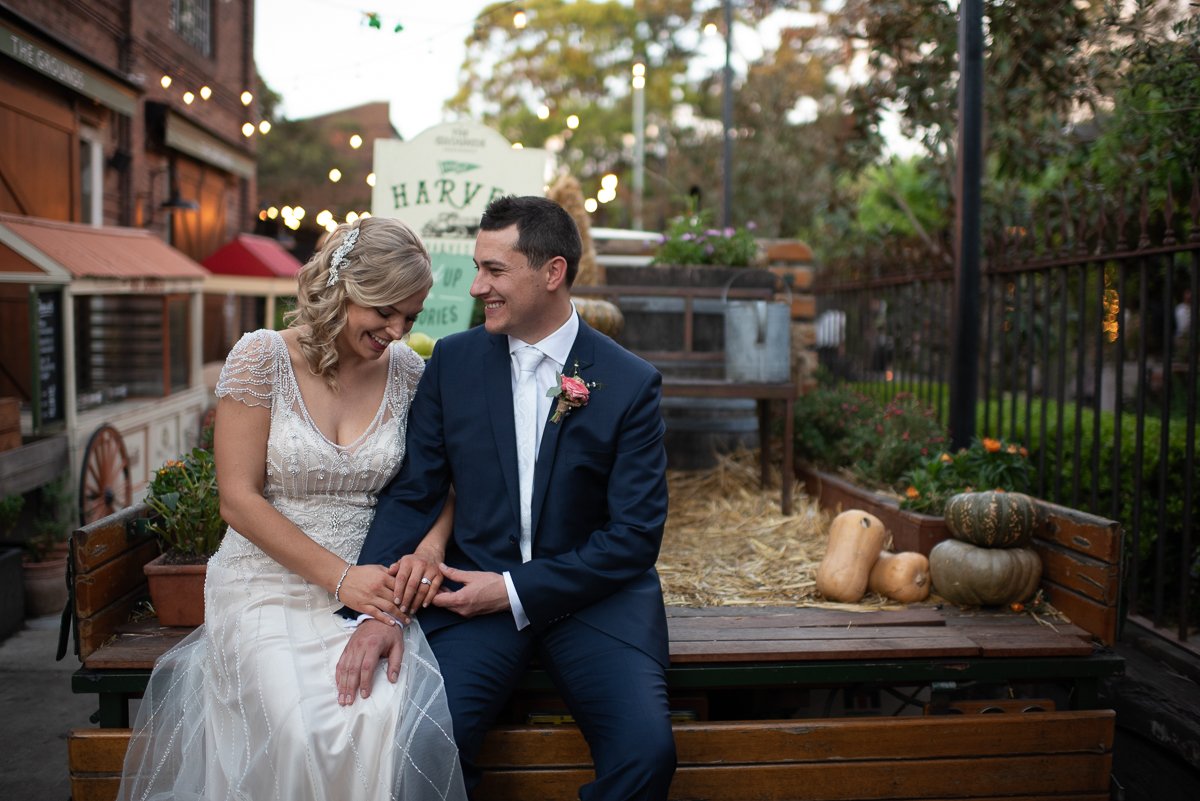
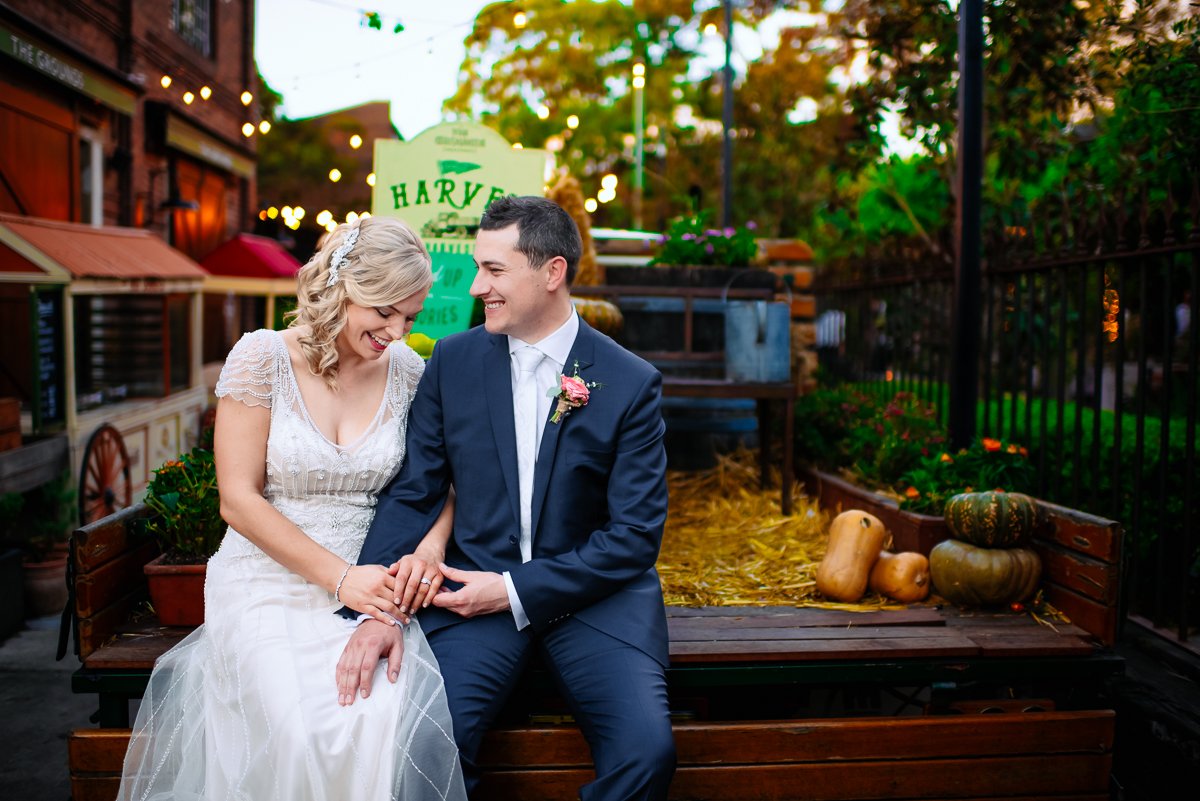
Engagement Session


Portraits

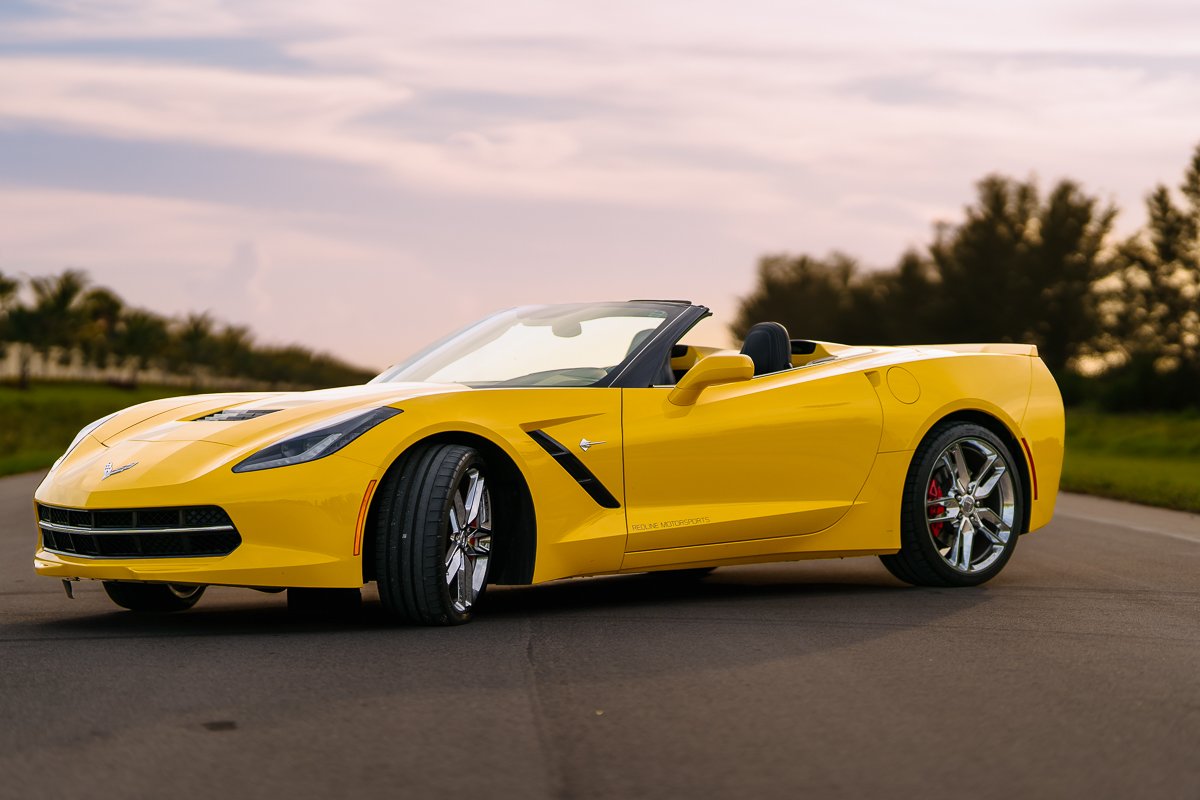
Automotive

Travel
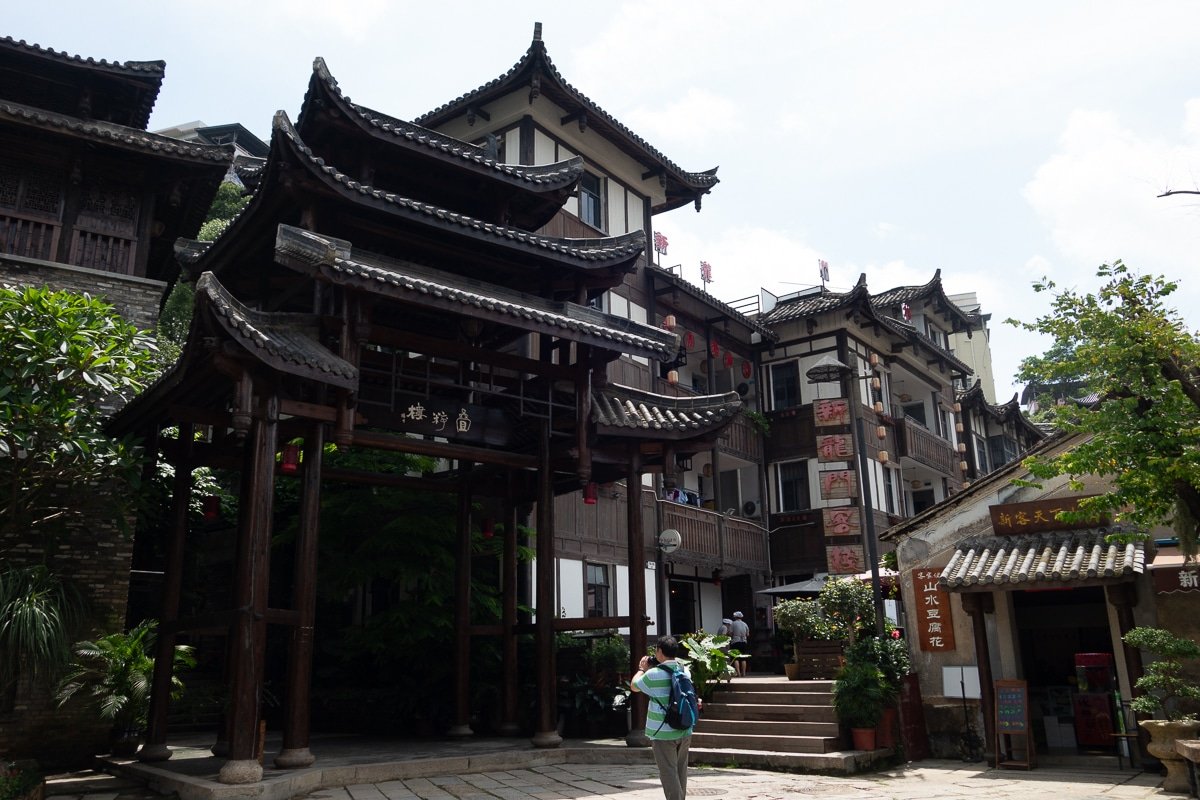
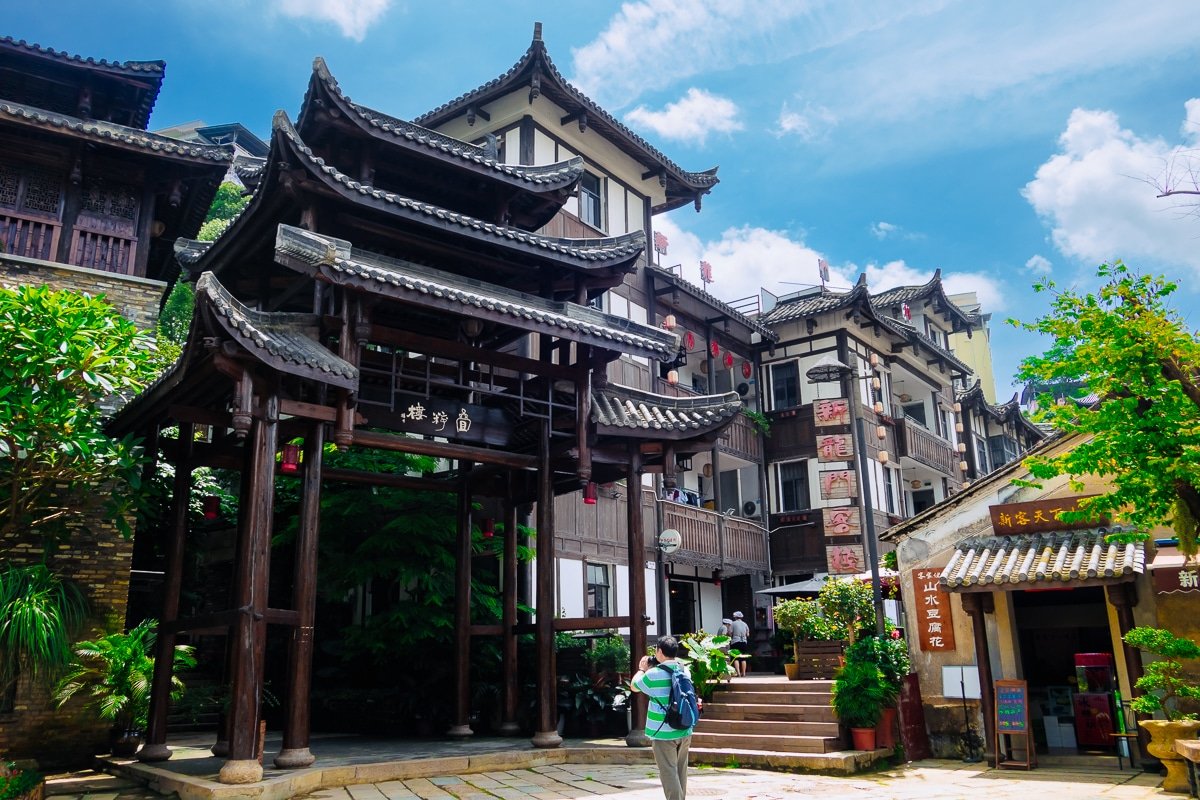
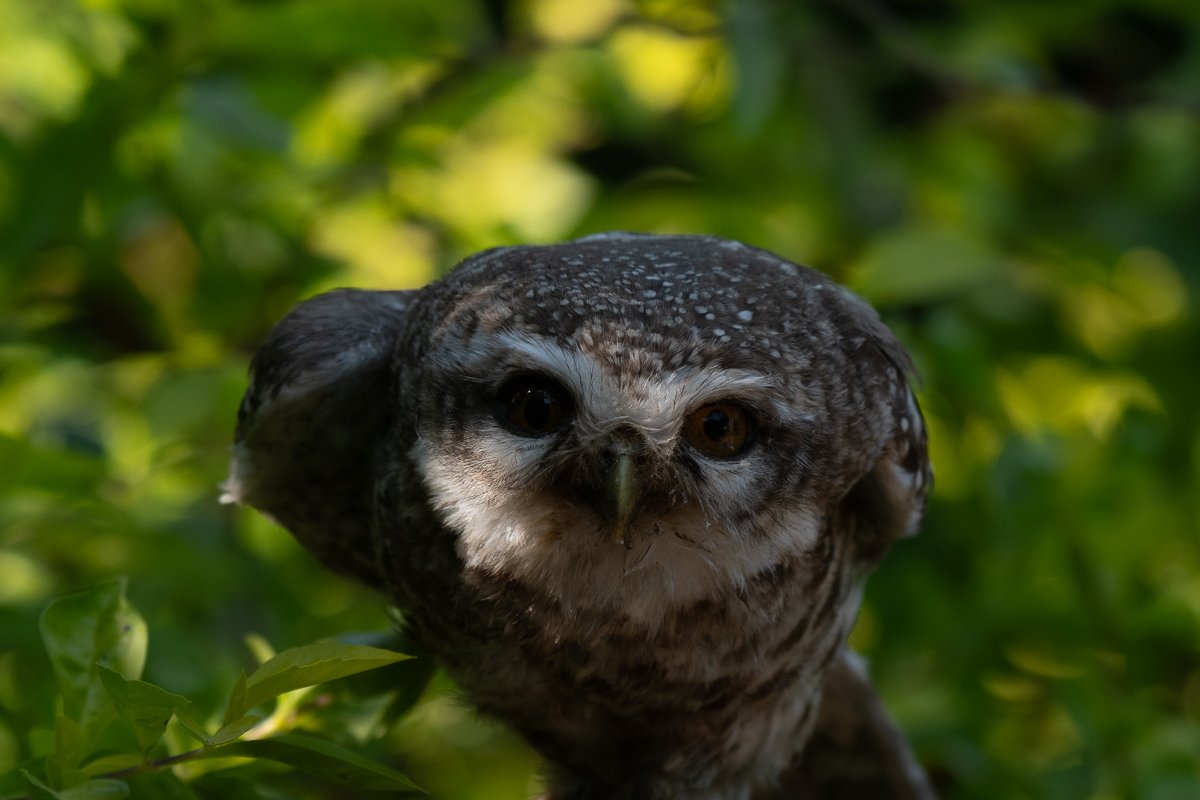
Animals
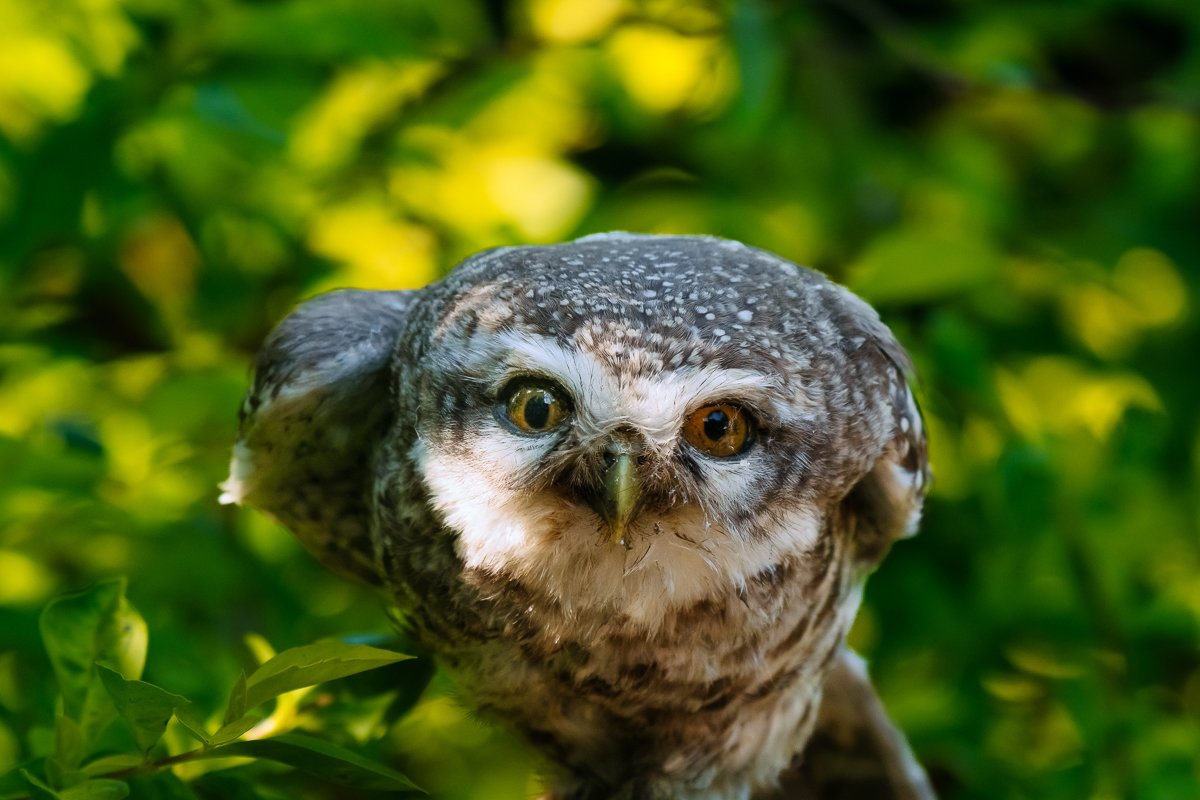
Discover how effortlessly our presets transform your photos with just a few clicks!
|
|
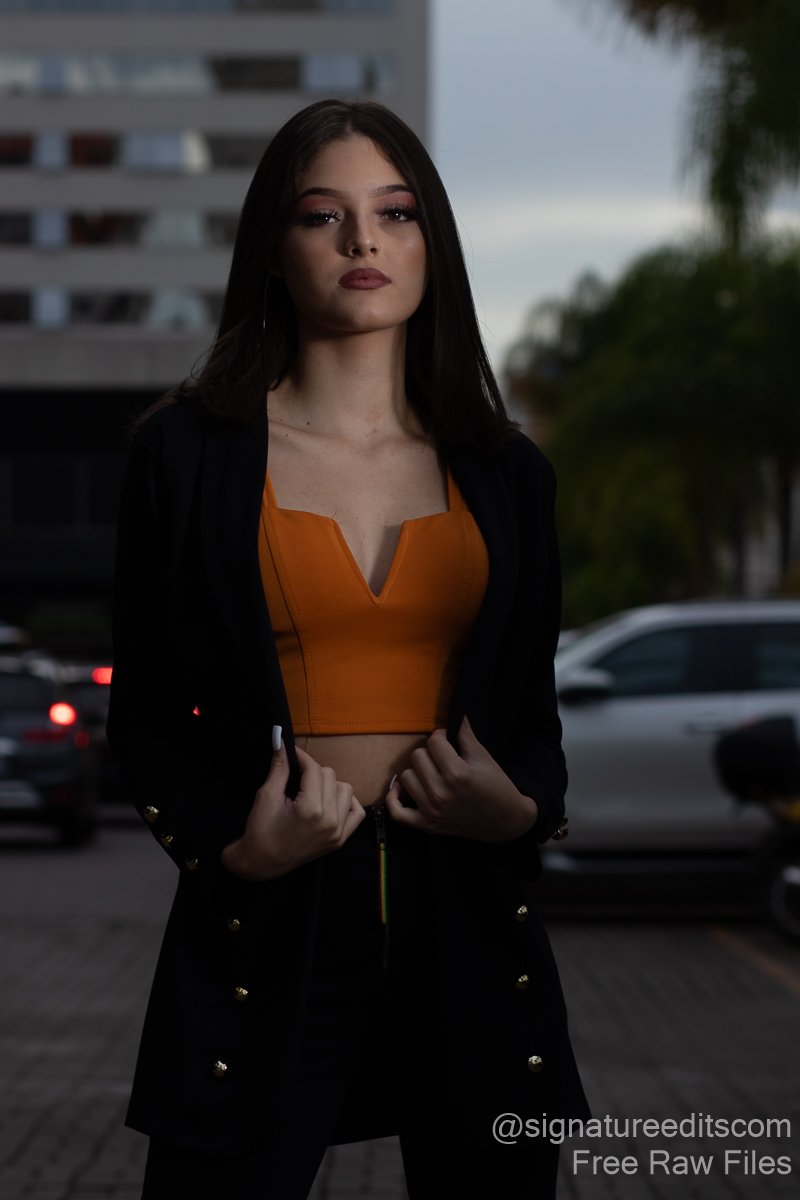
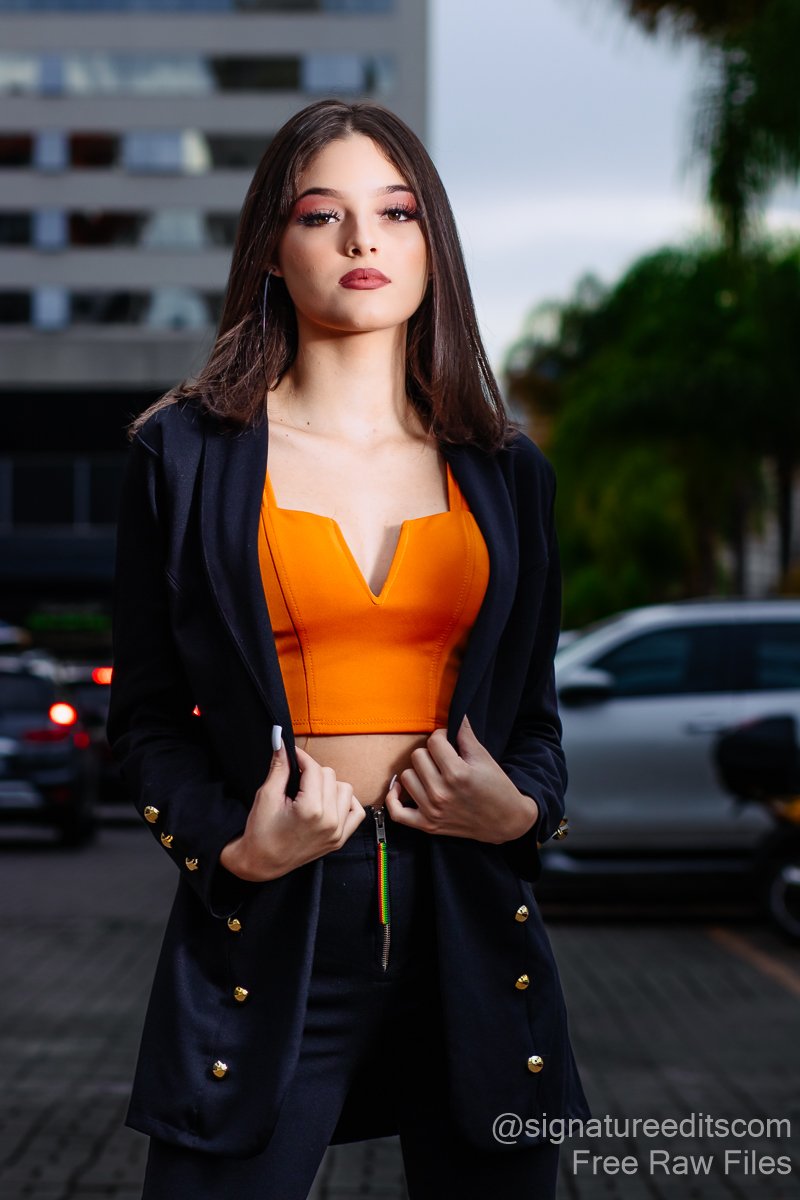

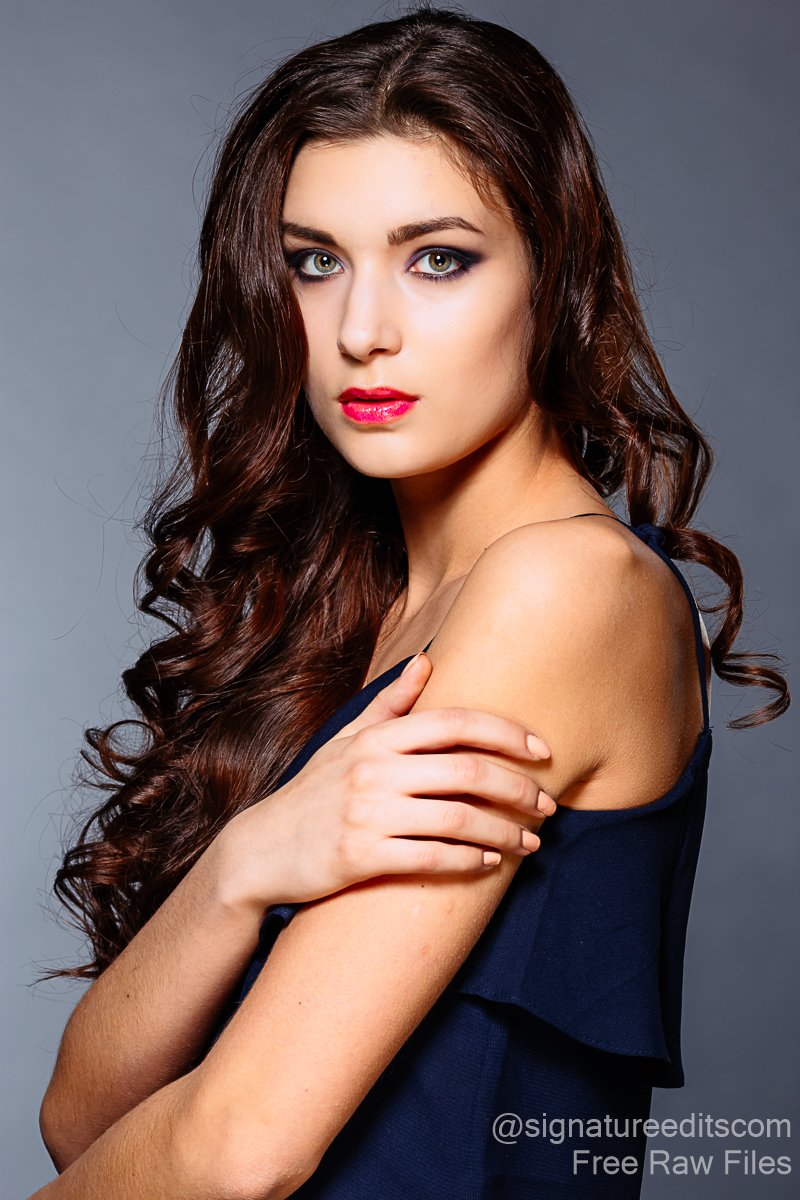
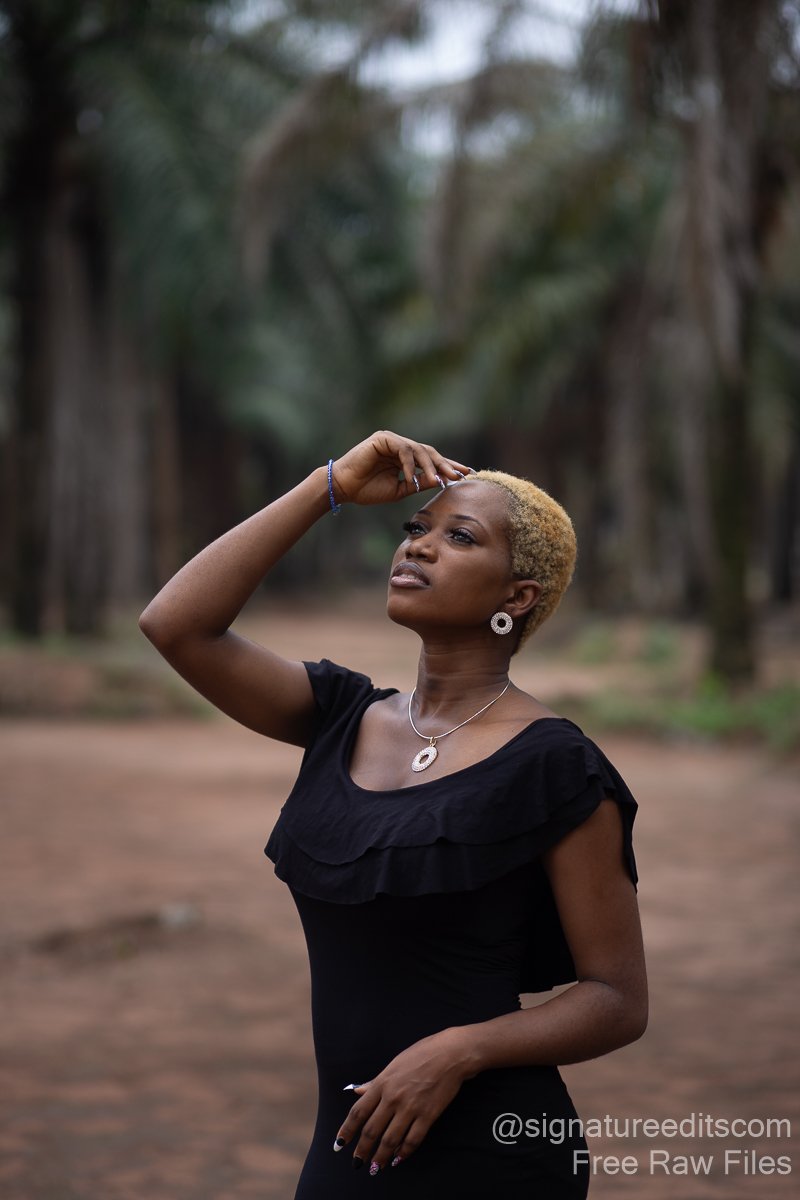
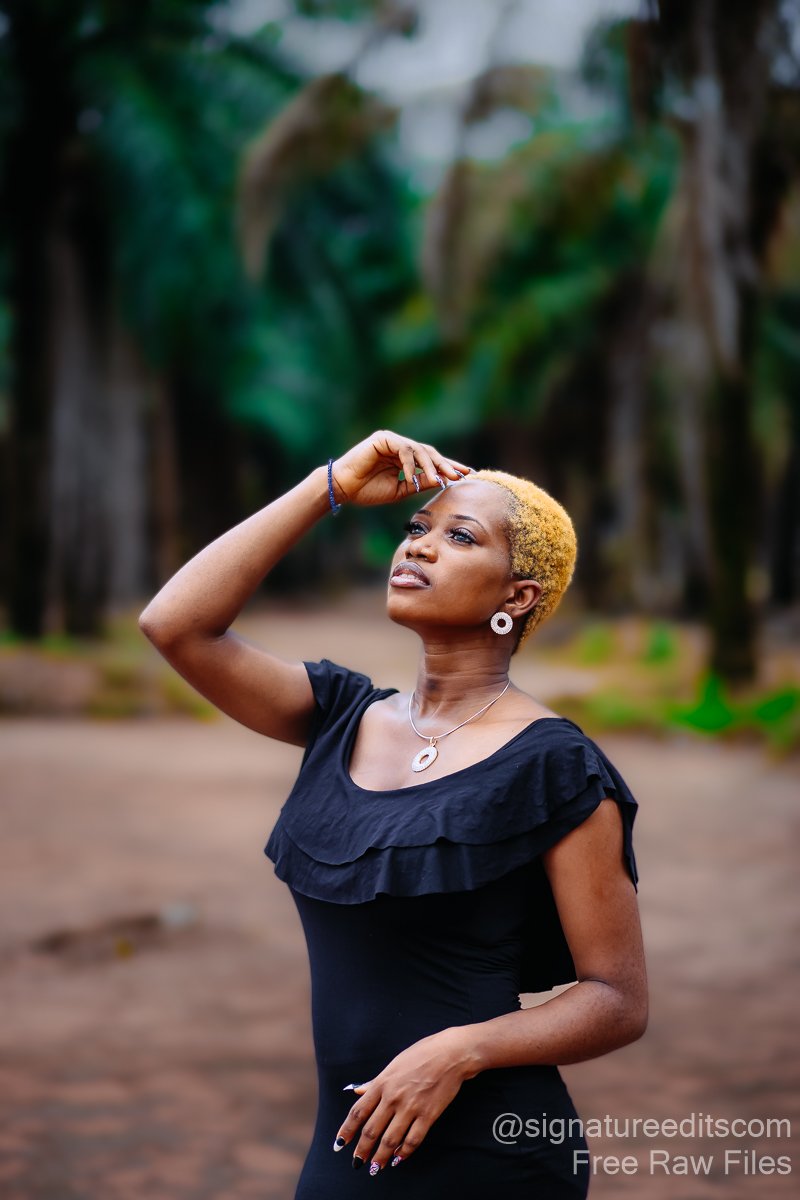
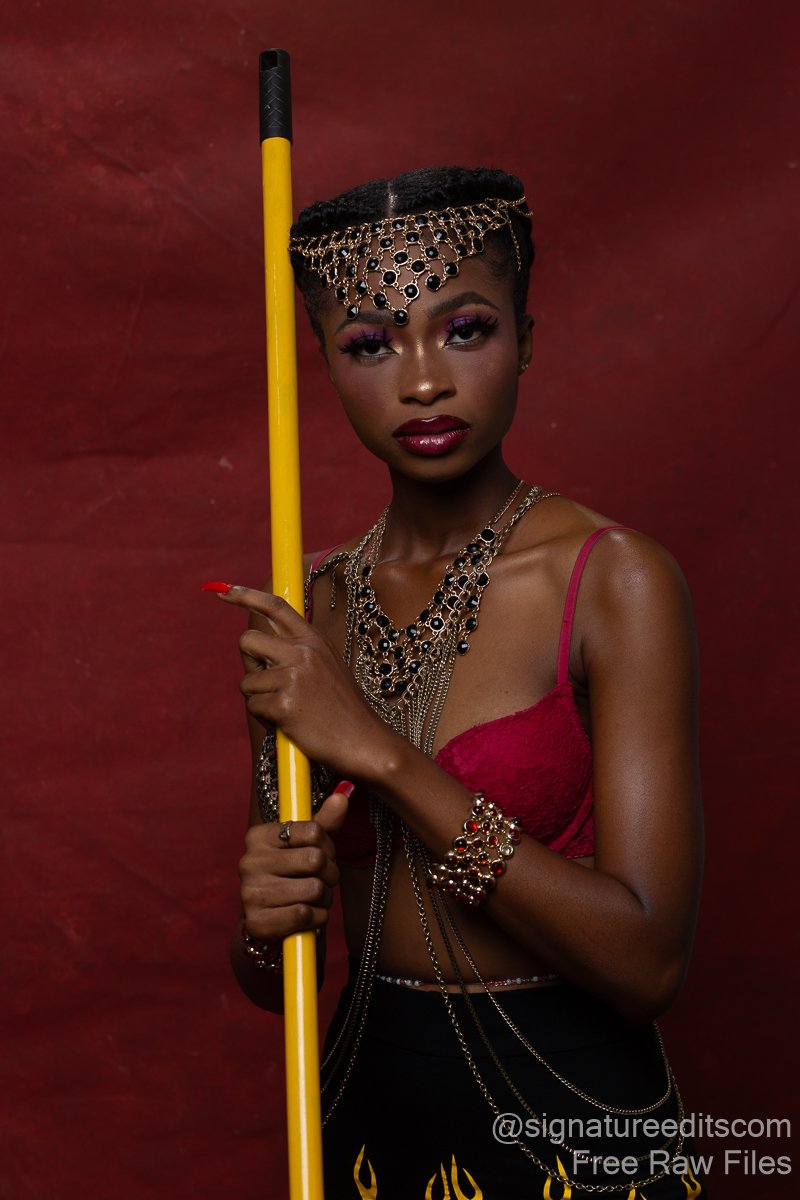
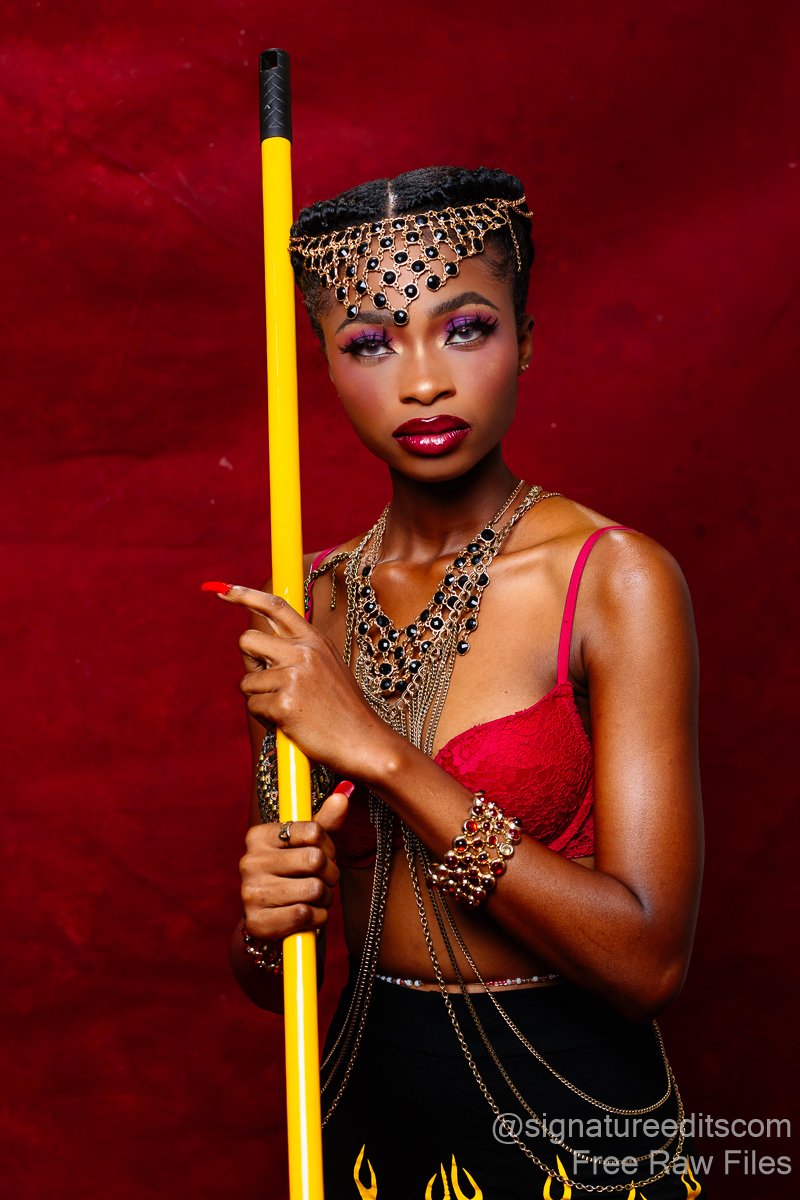
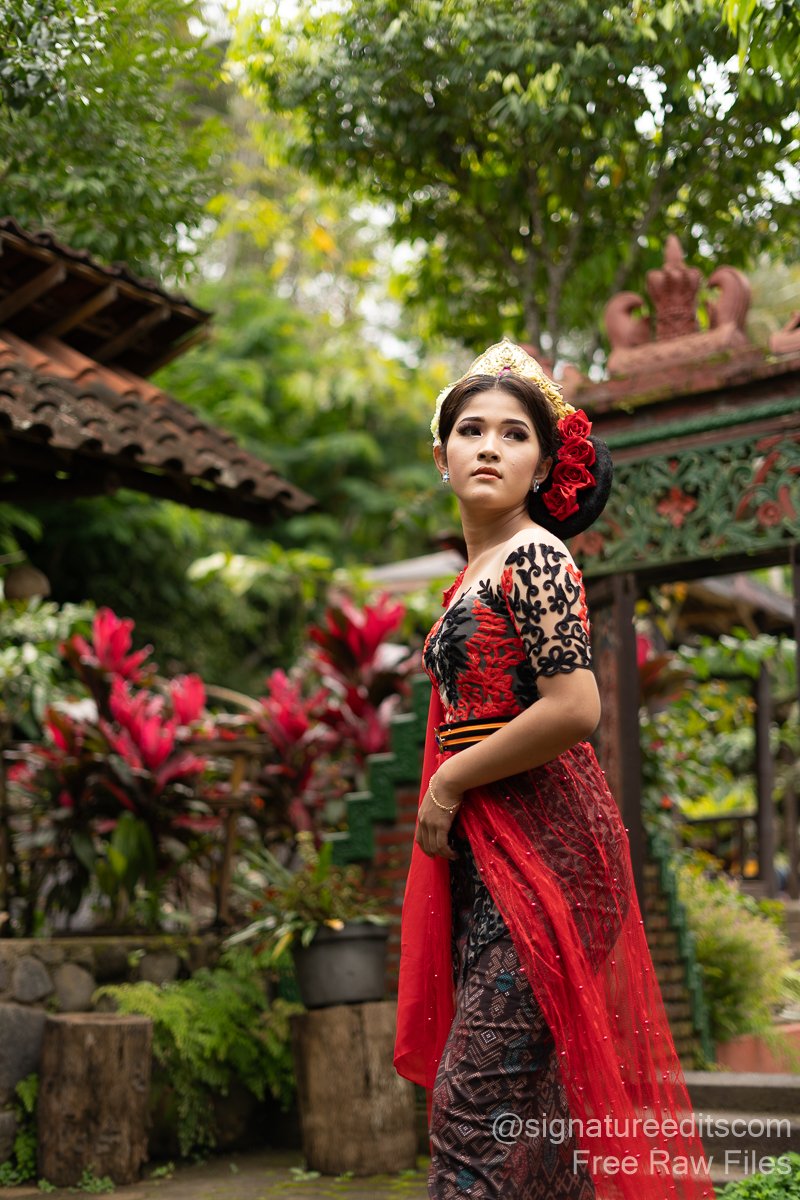
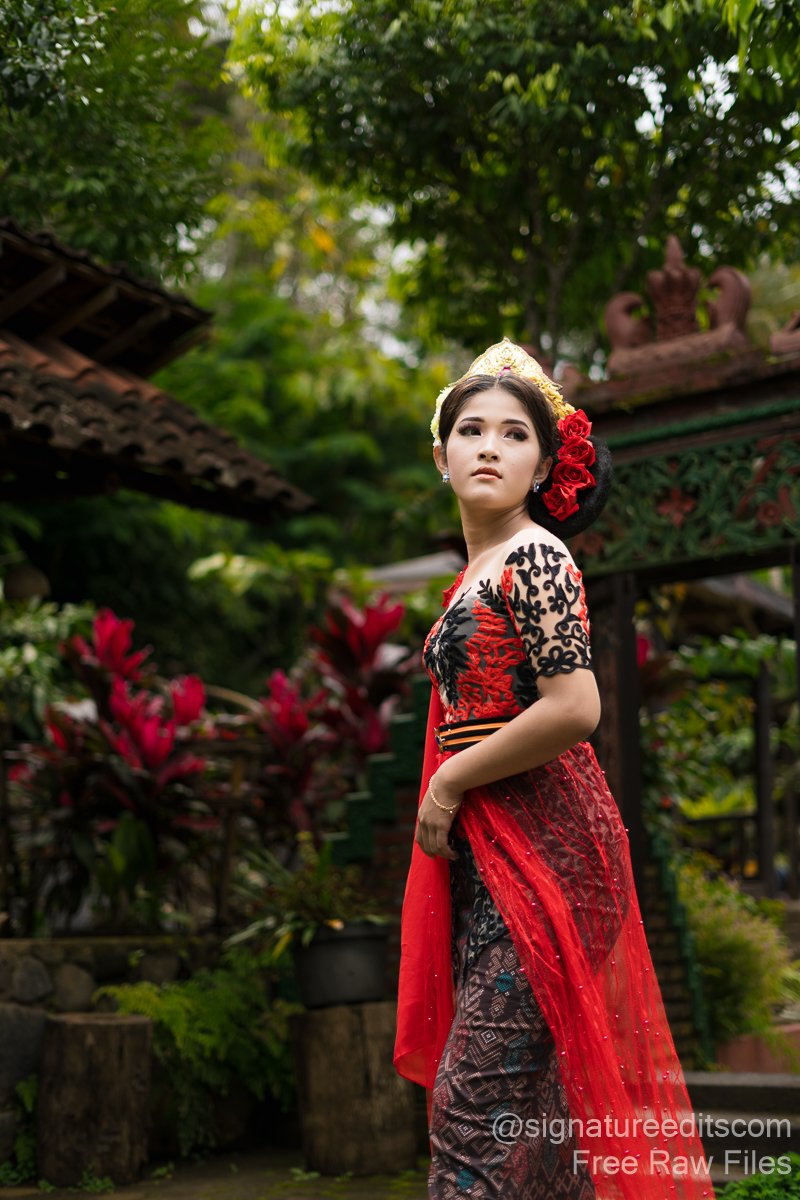
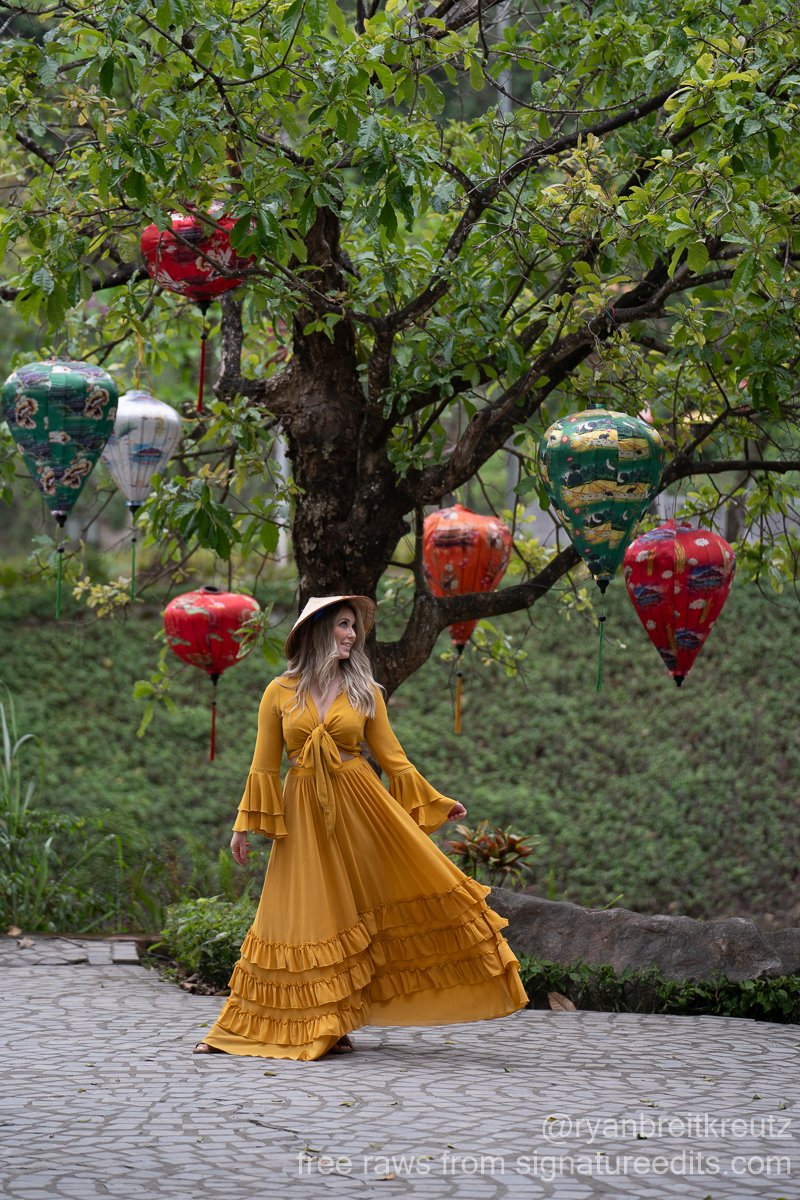
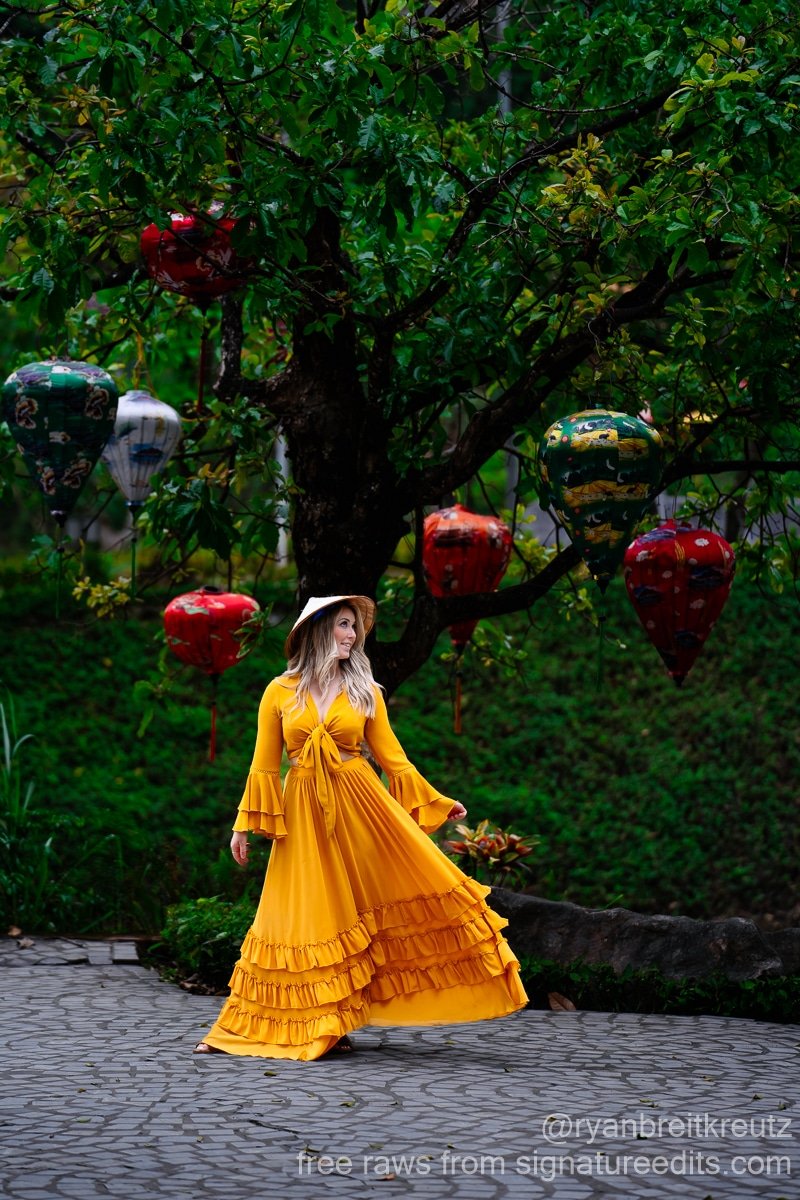
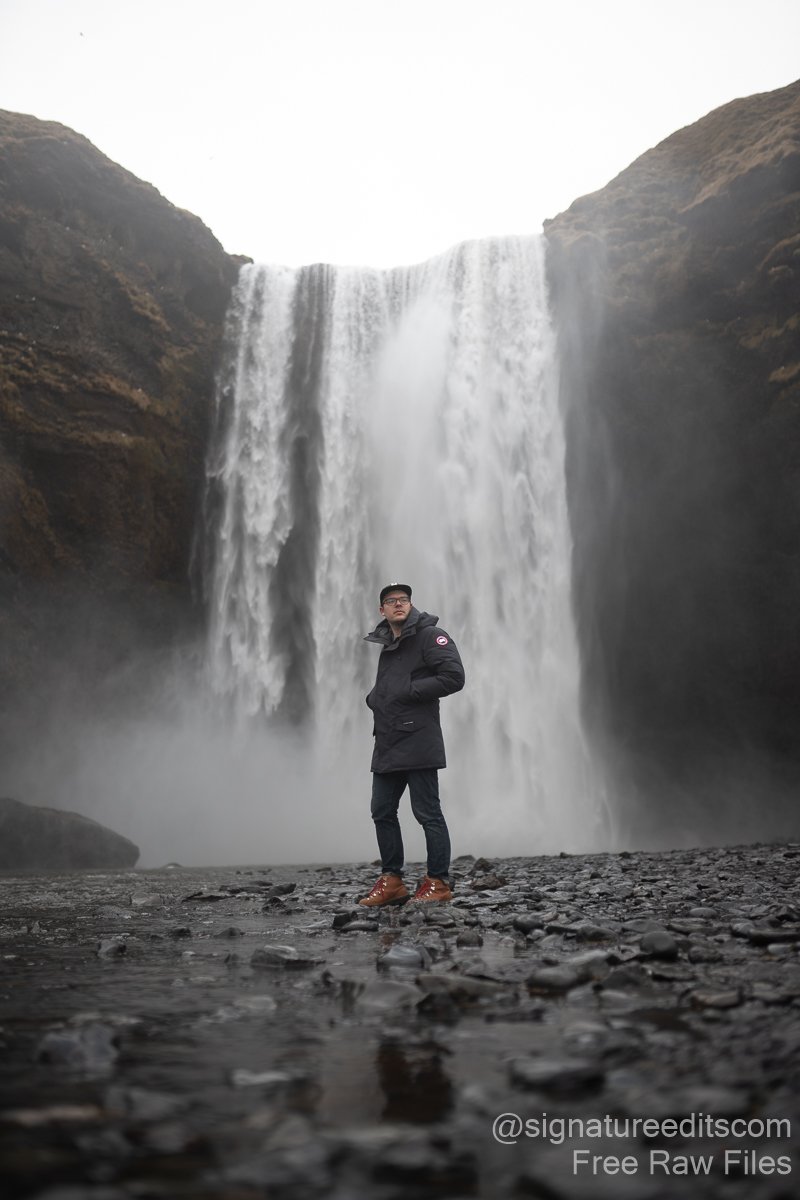
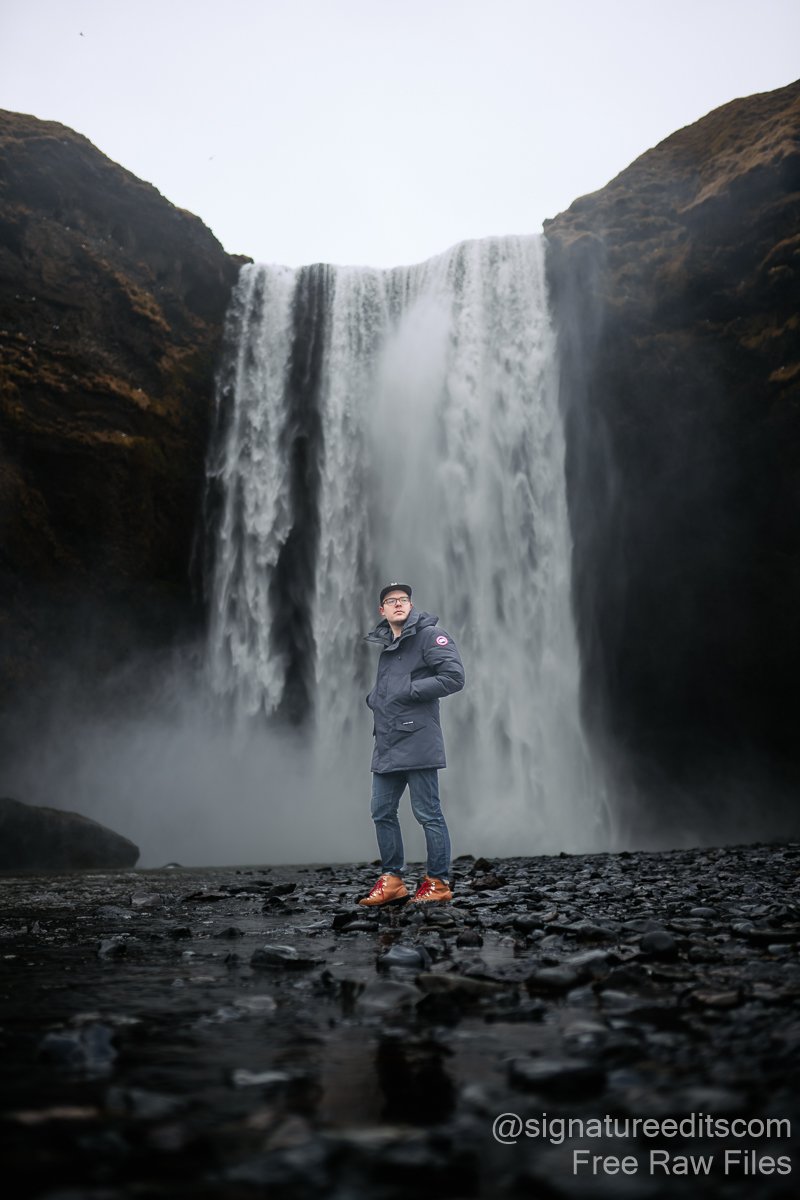

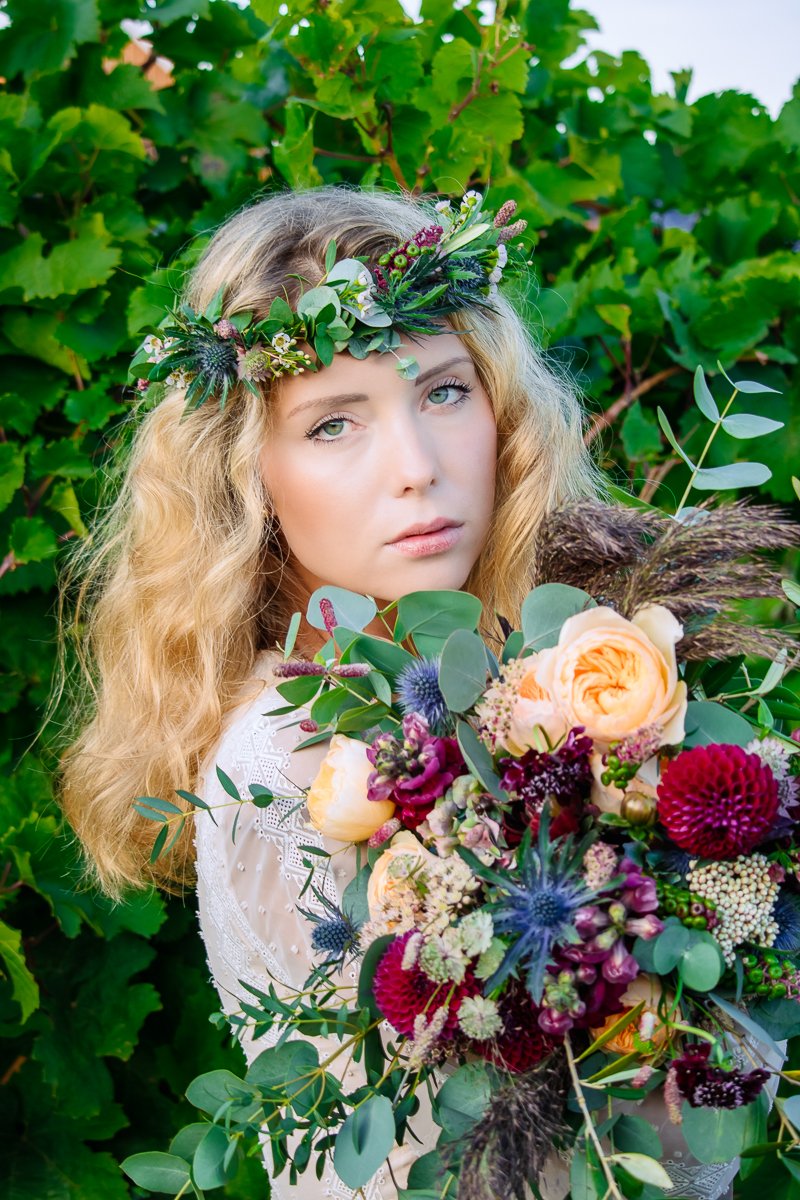
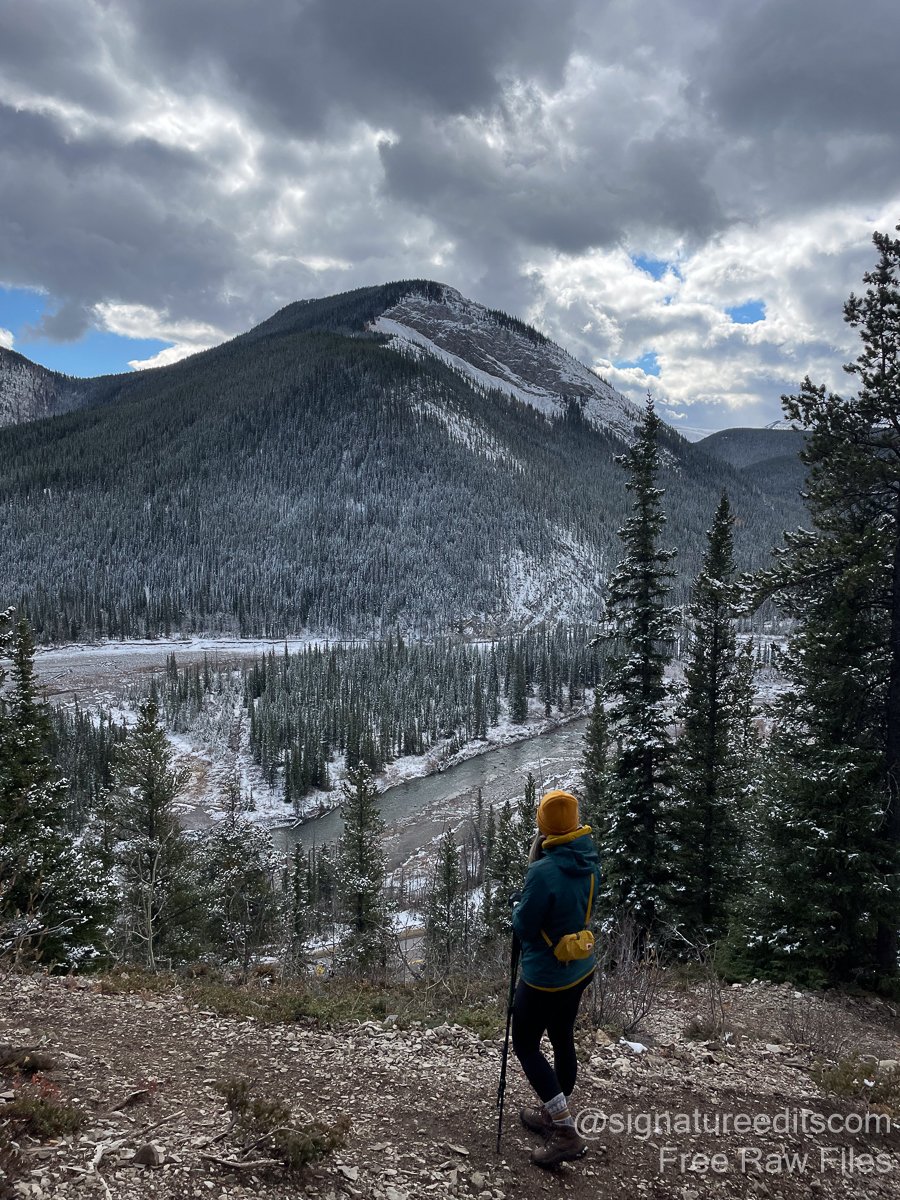
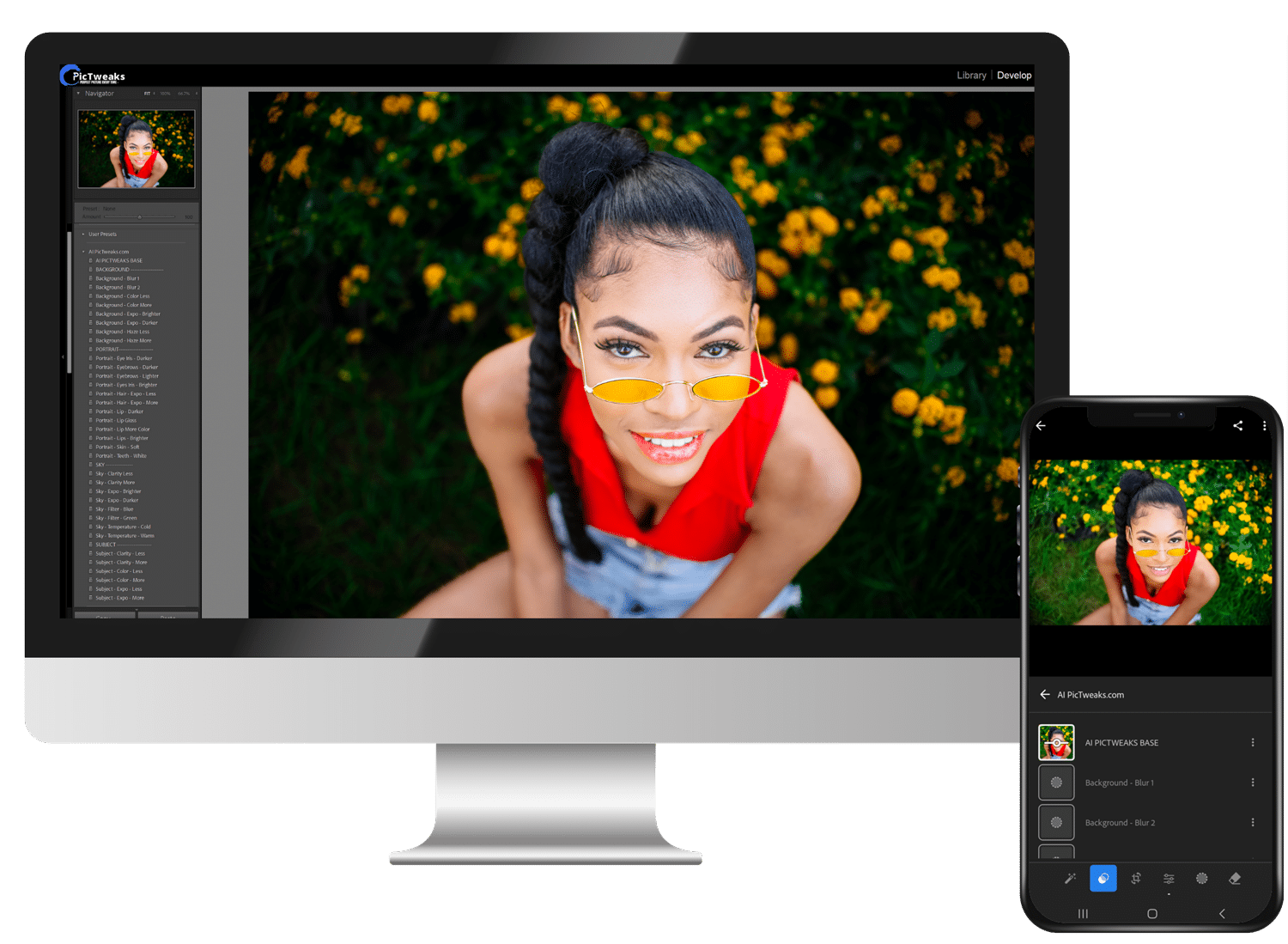
Seamless Editing Anywhere – Flawless Results on Desktop and Mobile
PicTweaks presets are crafted to provide a consistent, professional editing experience, no matter where you choose to work. Whether you prefer the precision of Adobe Lightroom on your desktop or the flexibility of editing on your mobile device, our presets are fully optimized for both platforms.
Why Choose PicTweaks Presets?
- AI-Powered Precision: Leveraging the latest Lightroom features, including AI masking, our presets adapt to each photo, ensuring that every detail – from skin tones to background lighting – is enhanced with remarkable accuracy.
- One-Click Simplicity: Achieve complex edits effortlessly. Our presets are engineered to make detailed adjustments in seconds, saving you time and delivering professional-quality results with just one tap or click.
- Versatility Across Styles: Whether you’re editing portraits, weddings, travel shots, or automotive photos, PicTweaks presets are designed to bring out the best in every image, enhancing colors, tones, and textures tailored to the style.
- Cross-Device Compatibility: Edit your photos wherever inspiration strikes – in the studio or on the go.
- Custom-Tuned for Modern Photography: Unlike generic presets, PicTweaks are built using advanced techniques to work with the newest Lightroom updates, ensuring they remain at the cutting edge of photo editing technology.
What Makes PicTweaks Unique?
PicTweaks presets are more than just tools – they’re creative companions that transform your workflow. By combining the power of AI, user-friendly design, and adaptability to different photography styles, our presets deliver consistently stunning results. Whether you’re a professional photographer or just starting, PicTweaks AI presets makes editing fast, easy, and fun.
Transform your photos effortlessly with PicTweaks – your perfect editing solution for both desktop and mobile!
🔥 Limited-Time Offer! 🔥
SALE: £49.99 → NOW JUST £12.99!
Frequently Asked Questions
Do I need specific software to use PicTweaks presets?
Yes, you’ll need Adobe Lightroom with support for AI masking. Our presets are fully compatible with both desktop and mobile versions, making it easy to edit on the go or in your home studio.
How do I install presets in Lightroom?
The latest update to Lightroom Classic and Lightroom CC has made installing presets easier. Click the “+” button next to the presets folder in Lightroom. Then, locate the zip file containing your presets on your desktop or in your “Downloads” folder and select it. Once installed, go to the Develop module, click on the preset you want to apply to your photo, and you’re done! Also you can follow the step by step guide CLICK HERE
What are presets, and how do they transform my photos?
Presets are specialized editing tools that apply a crafted mix of settings to your photos with a single click, achieving the effect of detailed editing instantly. Our presets adjust dozens of Lightroom settings, leveraging the latest AI features to deliver dynamic, high-quality results in seconds. They’re perfect for capturing the unique feel of each style, from portraits to landscapes, all without the need for manual adjustments.
Will my photo look perfect with just one click?
If your photo is well-exposed and has the correct white balance, one click is all it takes to make it look stunning! Presets are designed to give you an amazing starting point for your edits. For the best results, make sure your exposure and white balance are set correctly – and watch your photo transform effortlessly.
Will your presets work on all my photos?
Our Color Preset is crafted to shine in almost any lighting condition. With the ever-changing world of LED and artificial lighting, a quick white balance adjustment might be all you need for flawless results. A small tweak, and your photos will look stunning every time!
Can I edit with PicTweaks presets on my phone?
Absolutely! PicTweaks presets are optimized for seamless editing on both mobile and desktop. Whether you prefer a large screen or the convenience of your phone, our presets make it easy to create stunning, mobile-friendly edits that look professional, no matter the device.
How can I adjust the intensity of a preset?
In the top left corner of the Develop module, you’ll find the “Amount” slider – this lets you control the overall intensity of the preset. For more precise control, you can tweak each individual slider on the right-hand panel. This is a great option for advanced users who want full creative control!
What if I run into issues?
Our support team is here to make your editing experience smooth and enjoyable. If you have any questions or run into any snags while using your presets, reach out to us! We offer one-on-one guidance to ensure you get the best results possible.